Voice & Video

Add voice and video to your app

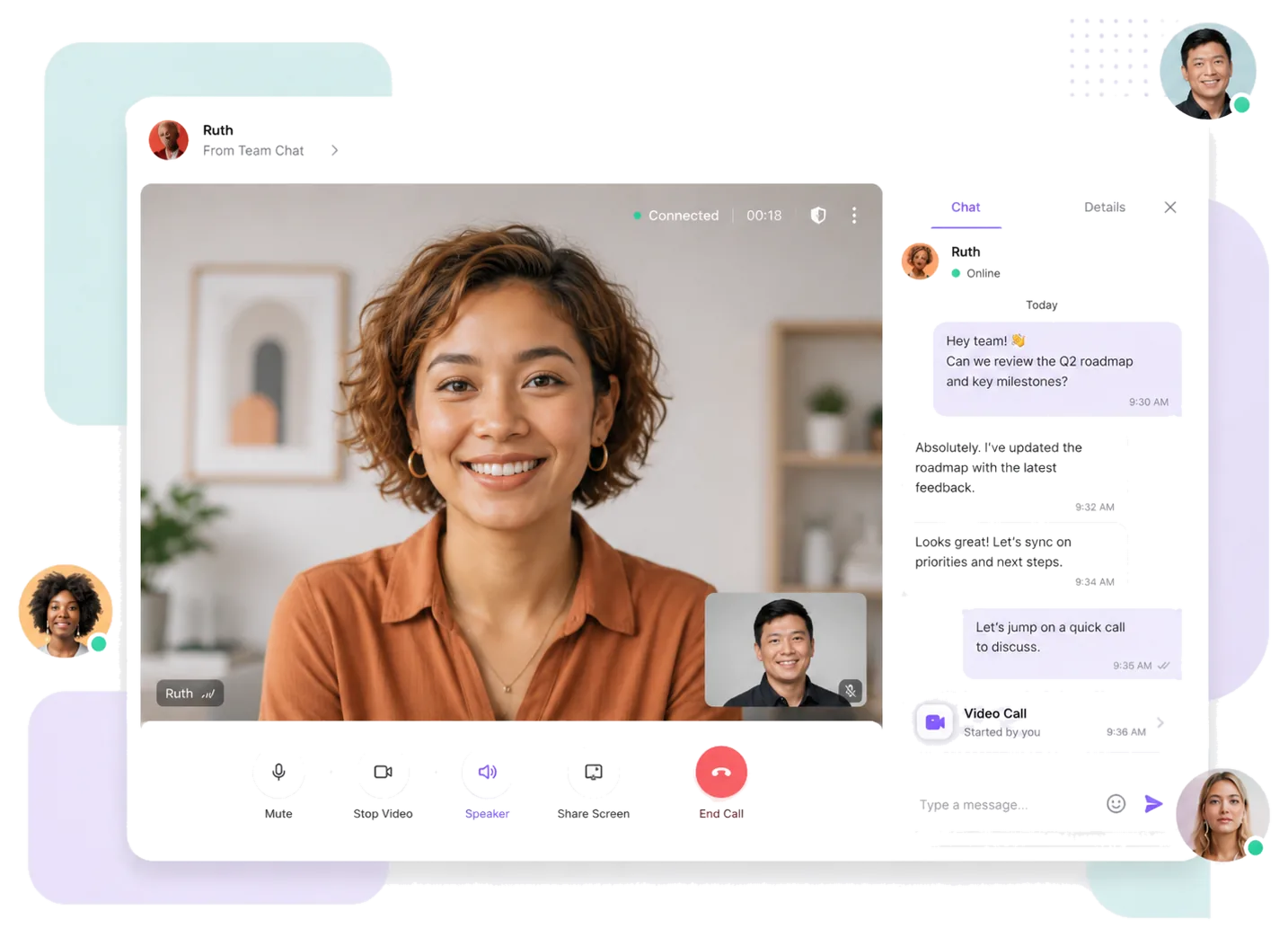
Integrate voice calls, video calls, group voice & video, and video meetings into your app.
Support screen sharing, meeting controls, and self-hosted deployment.
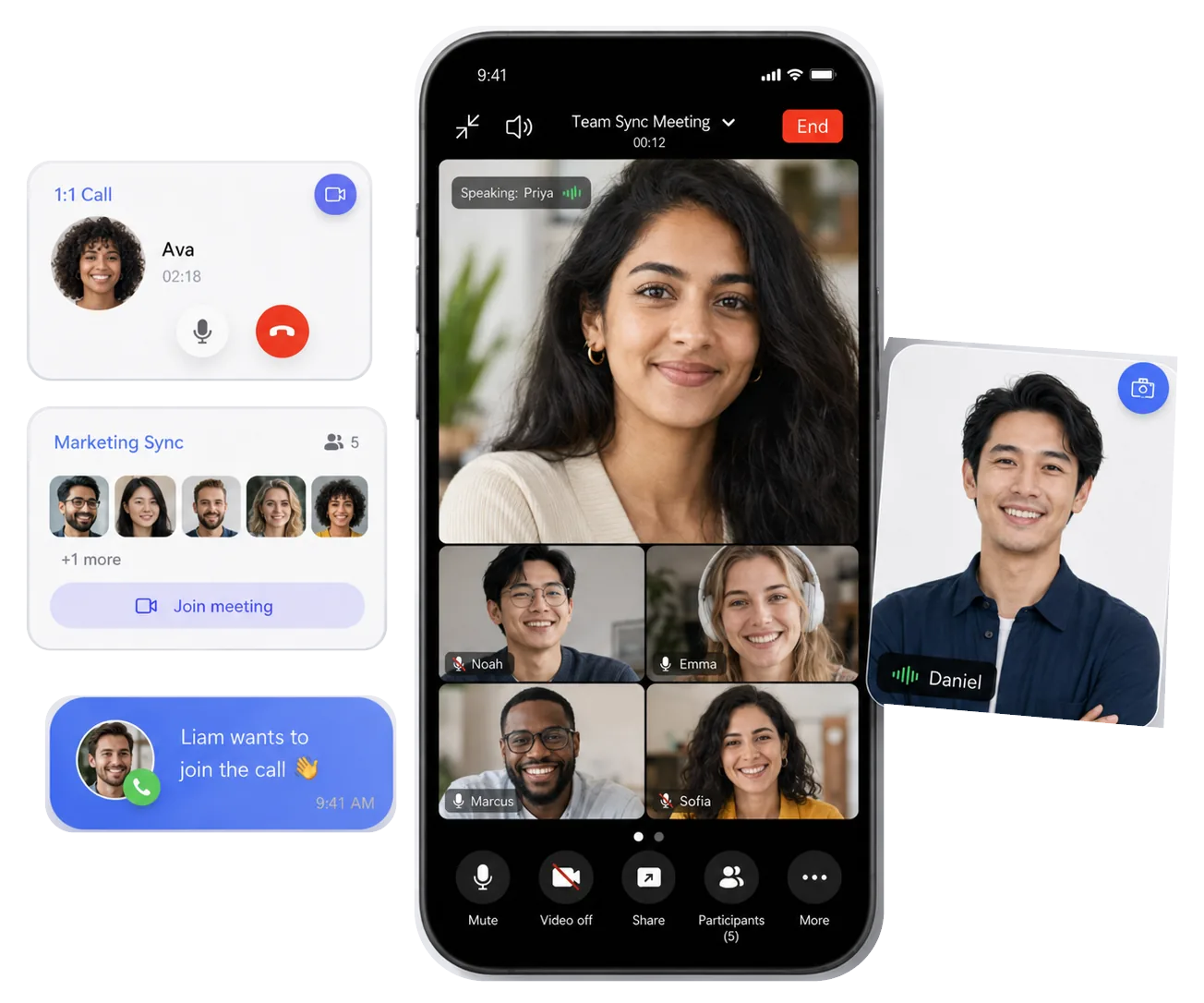
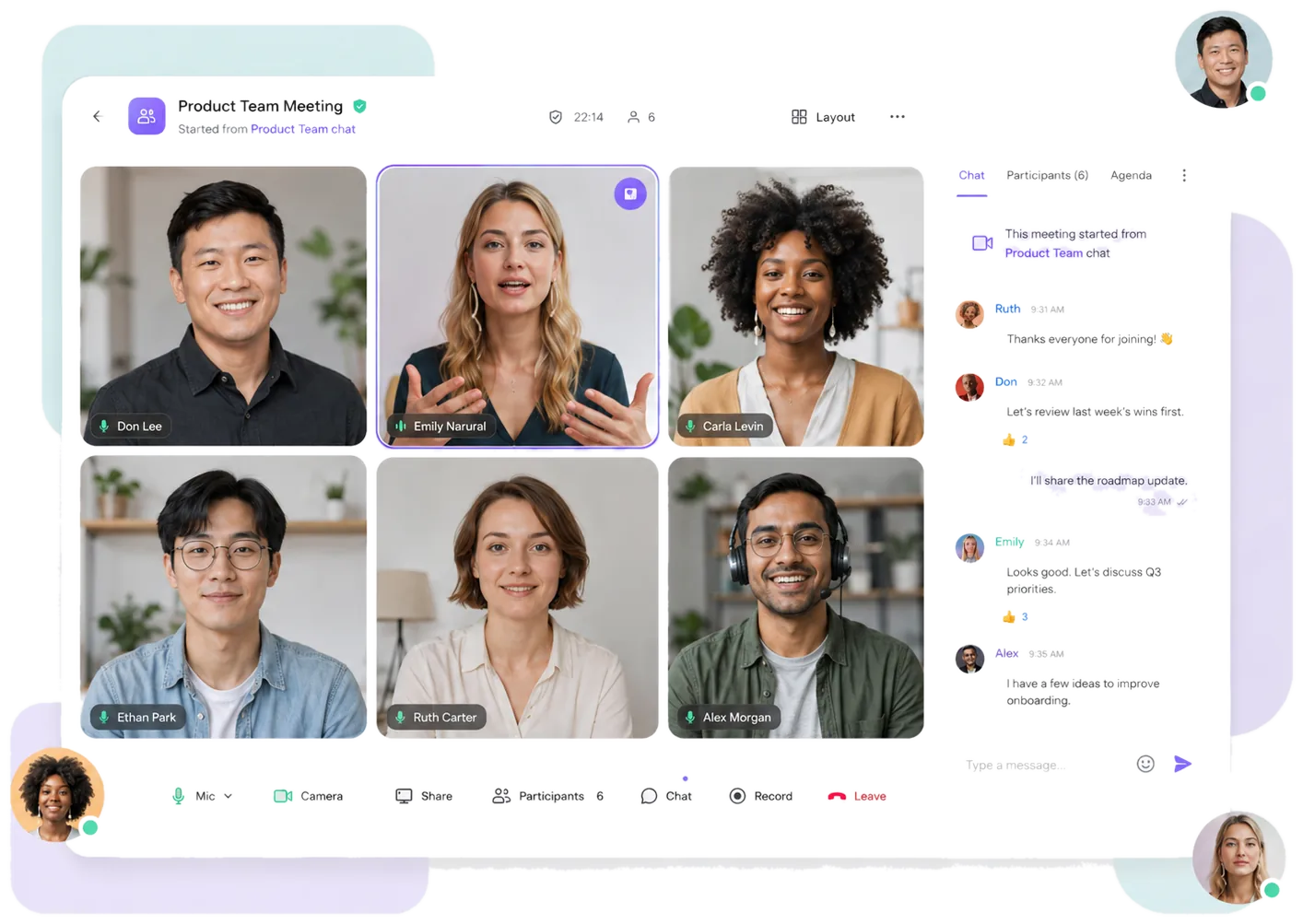
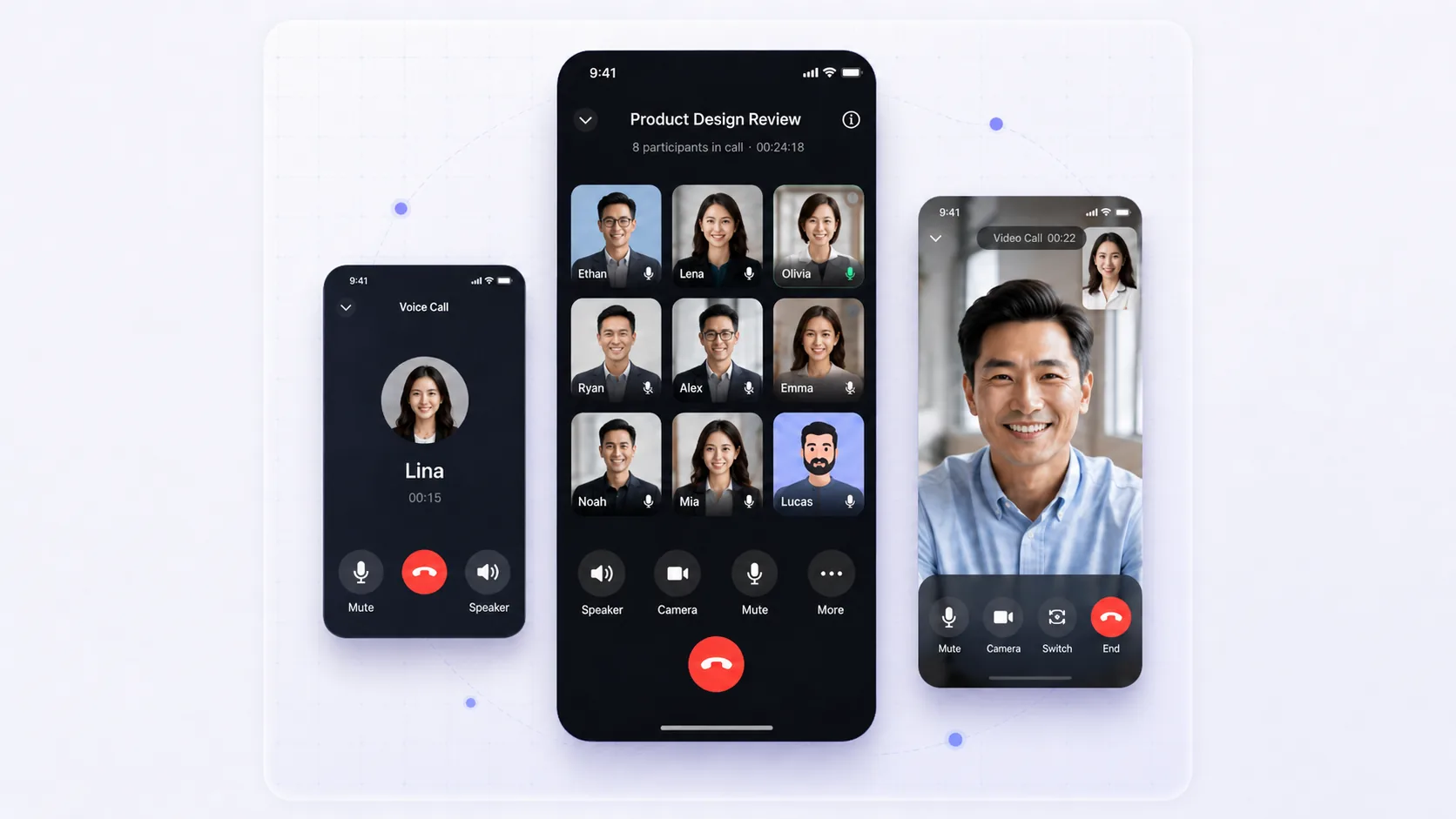
OpenIM voice call, group meeting, and meeting invitation interfaces

Product value

Add real-time voice and video

From 1:1 calls to group interaction

Support 1:1 voice calls, 1:1 video calls, and group voice & video inside your app.

  • 1:1 voice calls
  • 1:1 video calls
  • Group voice & video

Extend calls into video meetings

Create, schedule, or join meetings, then manage participants, screen sharing, and recordings.

  • Create meetings
  • Schedule meetings
  • Join meetings
  • Screen sharing
  • Meeting recording

RTC feature matrix

Core features for Voice & Video

Covers calls, video meetings, host controls, and deployment.
Voice & video calls

  • 1:1 voice calls
  • 1:1 video calls
  • Group voice & video
  • Offline call notifications
  • Microphone toggle
  • Camera toggle
  • Floating mini window
  • Missed call timeout
  • Incoming call status sync
  • Call history

Video meetings

  • Create meetings
  • Schedule meetings
  • Join meetings
  • Meeting invitations
  • Add participants
  • Microphone control
  • Camera control
  • Screen sharing
  • Floating mini window
  • Meeting invitation details
  • Meeting recording
  • View and share recordings

Host & participant controls

  • Host controls
  • Mute all
  • Unmute all
  • Allow participants to unmute
  • Allow participants to start video
  • Host-only screen sharing
  • Host-only invitations
  • Mute participants on entry
  • Participant invite controls

Deployment & recording

  • Call recording
  • Meeting recording
  • Recording sharing
  • Cluster deployment
  • Meeting status management
  • Chat meeting invitations
  • Backend integration
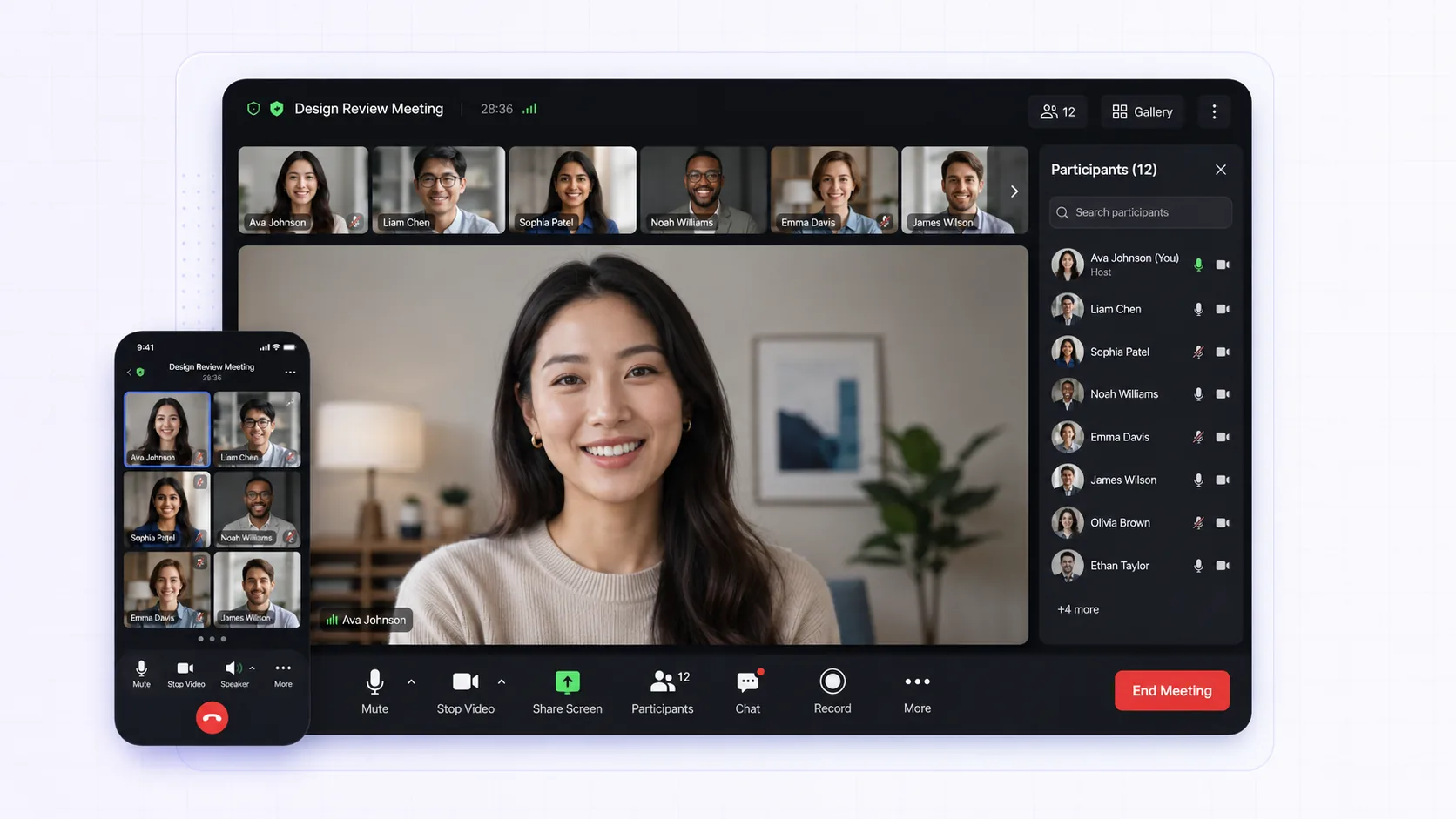
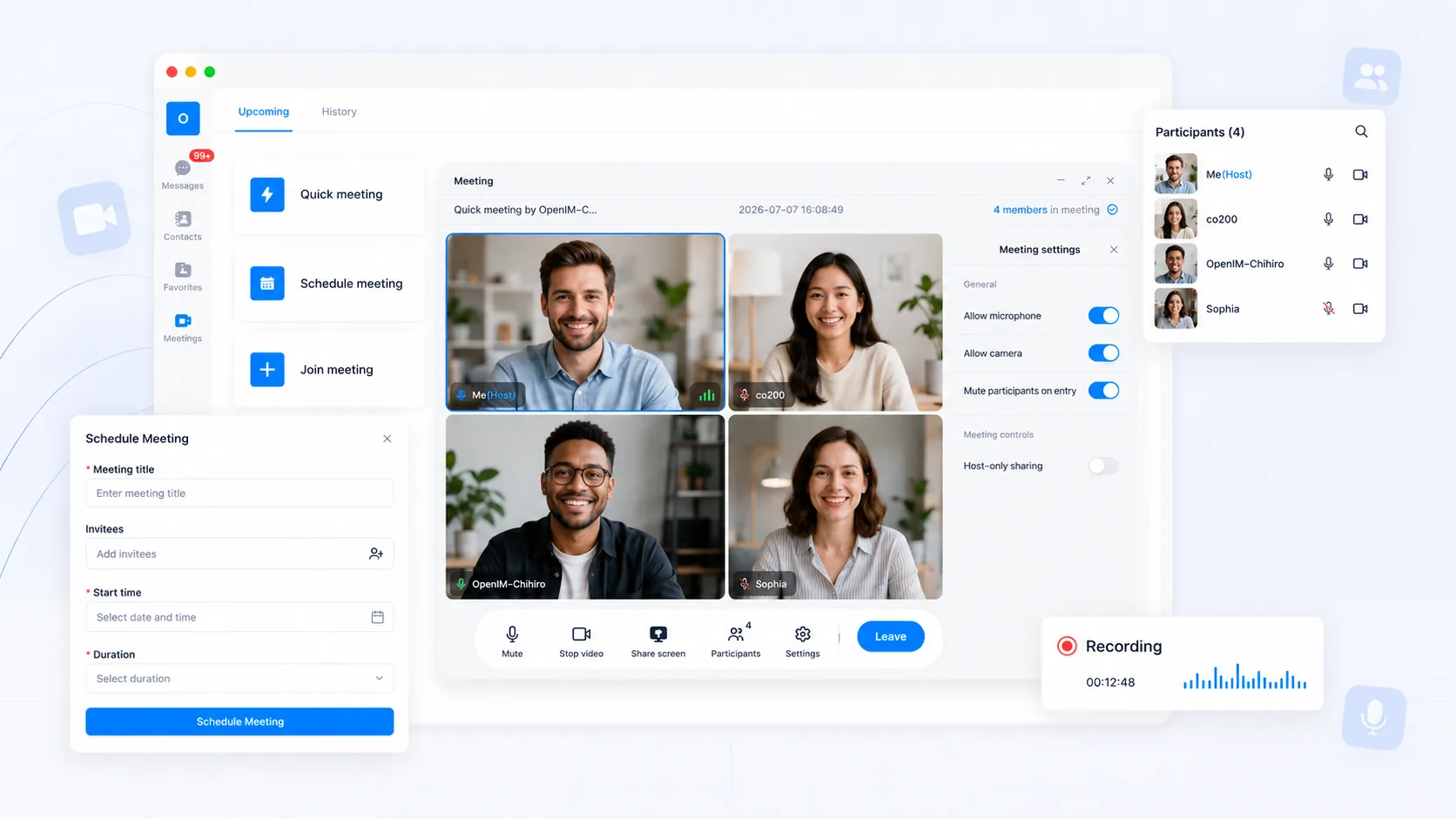
OpenIM meeting scheduling, host controls, participant management, and recording interface

Video meeting features

From scheduling to host controls

Create or schedule meetings, manage participants, media permissions, screen sharing, and recording.

Create / schedule meetingsHost controlsMute allParticipant media permissionsScreen sharingMeeting recording

Chat + RTC

Move from chat to calls and meetings

Combine chat and RTC so users can start calls and meetings from 1:1 or group conversations.
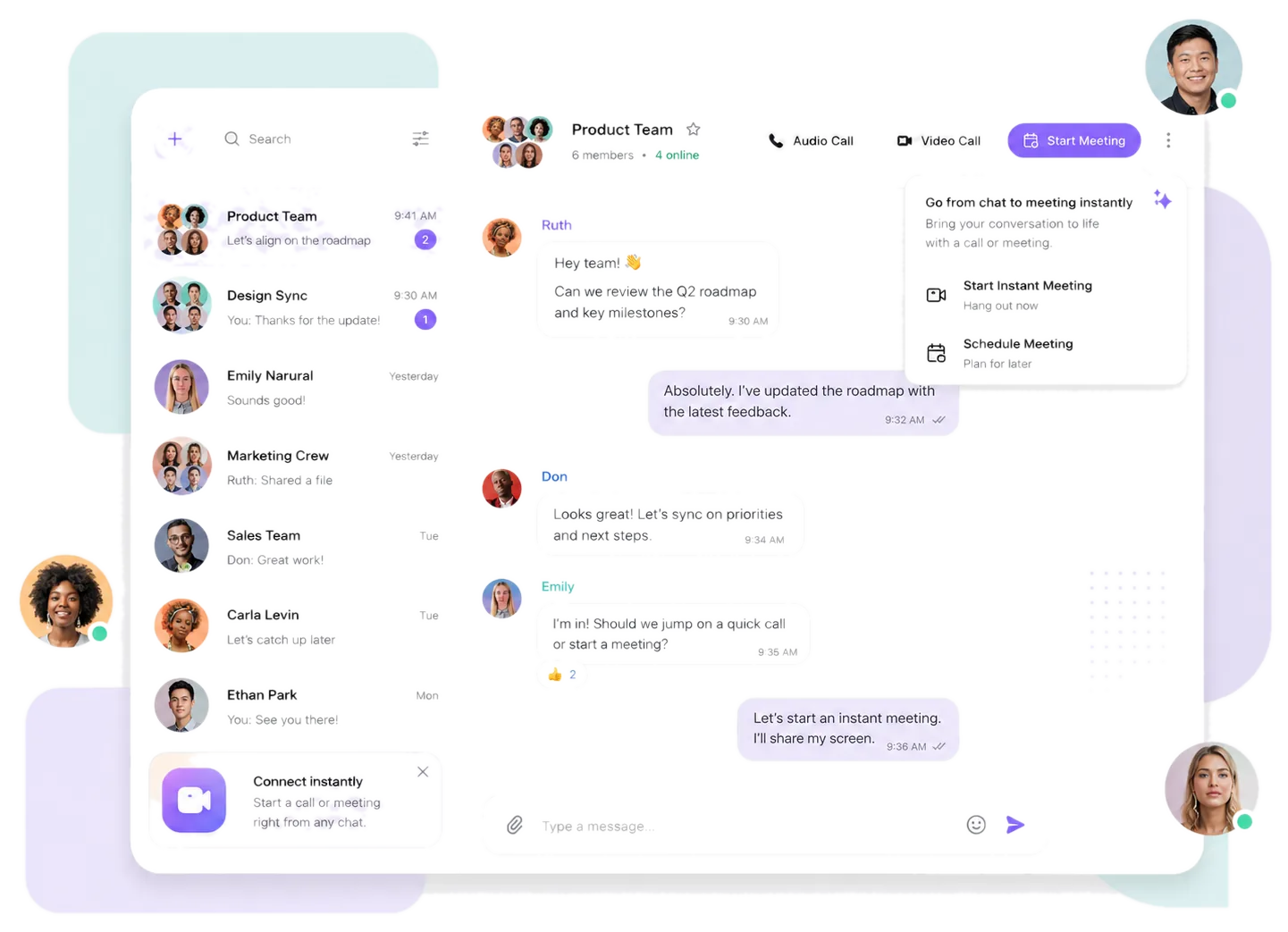
Chat interface Product interface for starting voice, video, and meetings from chat
Video call interface OpenIM video call and chat sidebar interface
Group meeting interface
OpenIM group meeting, meeting chat, and participant interface
Start calls from chatStart meetings from groupsMeeting invitation messagesCall history in conversations

Integration

Add voice and video to your app

Connect calls and meetings to your clients and backend for real-time interaction in your app.
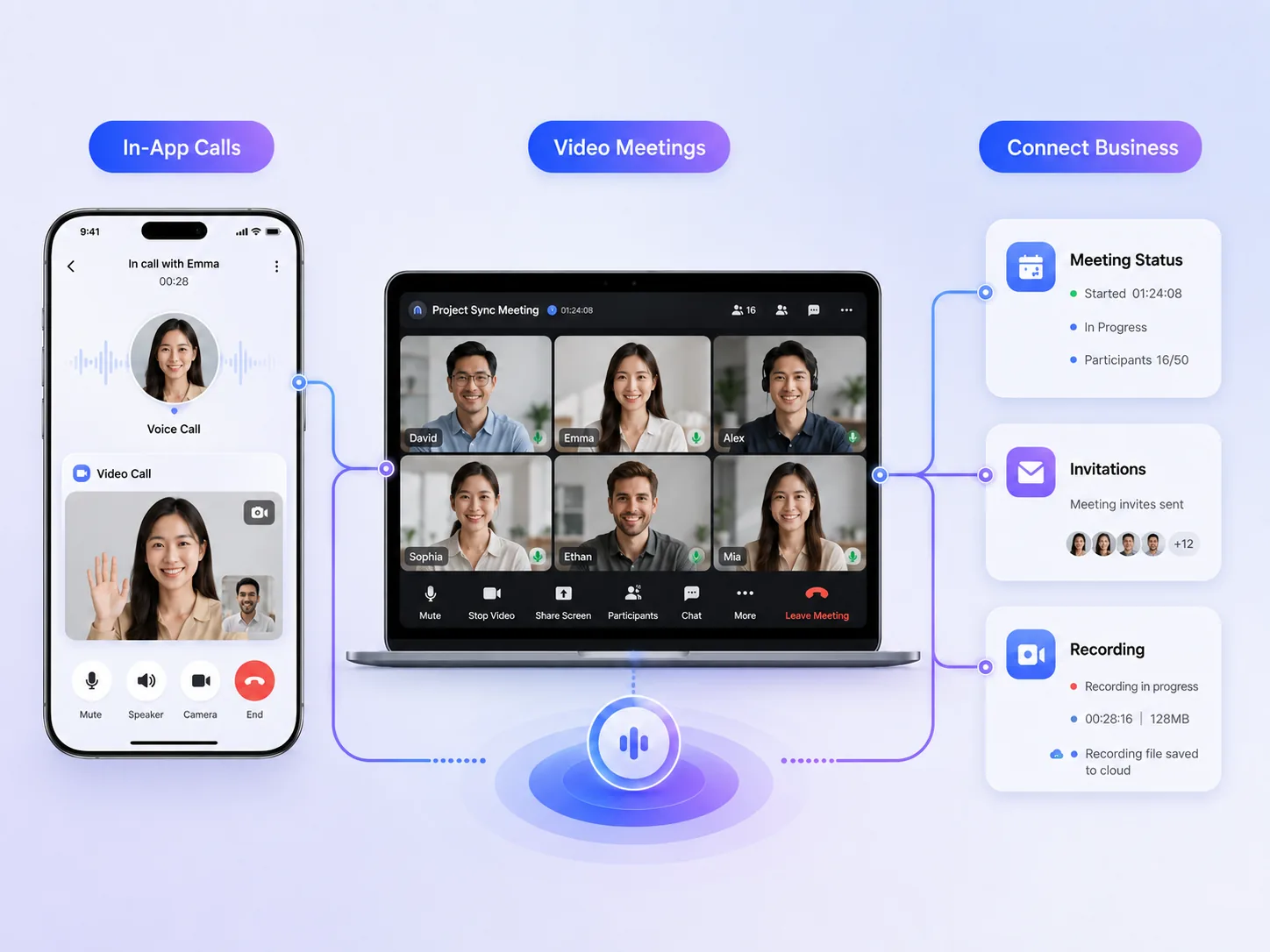
In-app callsAdd voice and video calls to an existing product.
Video meetingsBuild group meetings and participant interactions.
Connect your backendSync meeting status, invitations, and recording data.
In-app calls, video meetings, and backend integration interface

Call and meeting management

Manage calls, meetings, and server controls

Use OpenIM server-side controls to manage participants, permissions, and real-time media status.
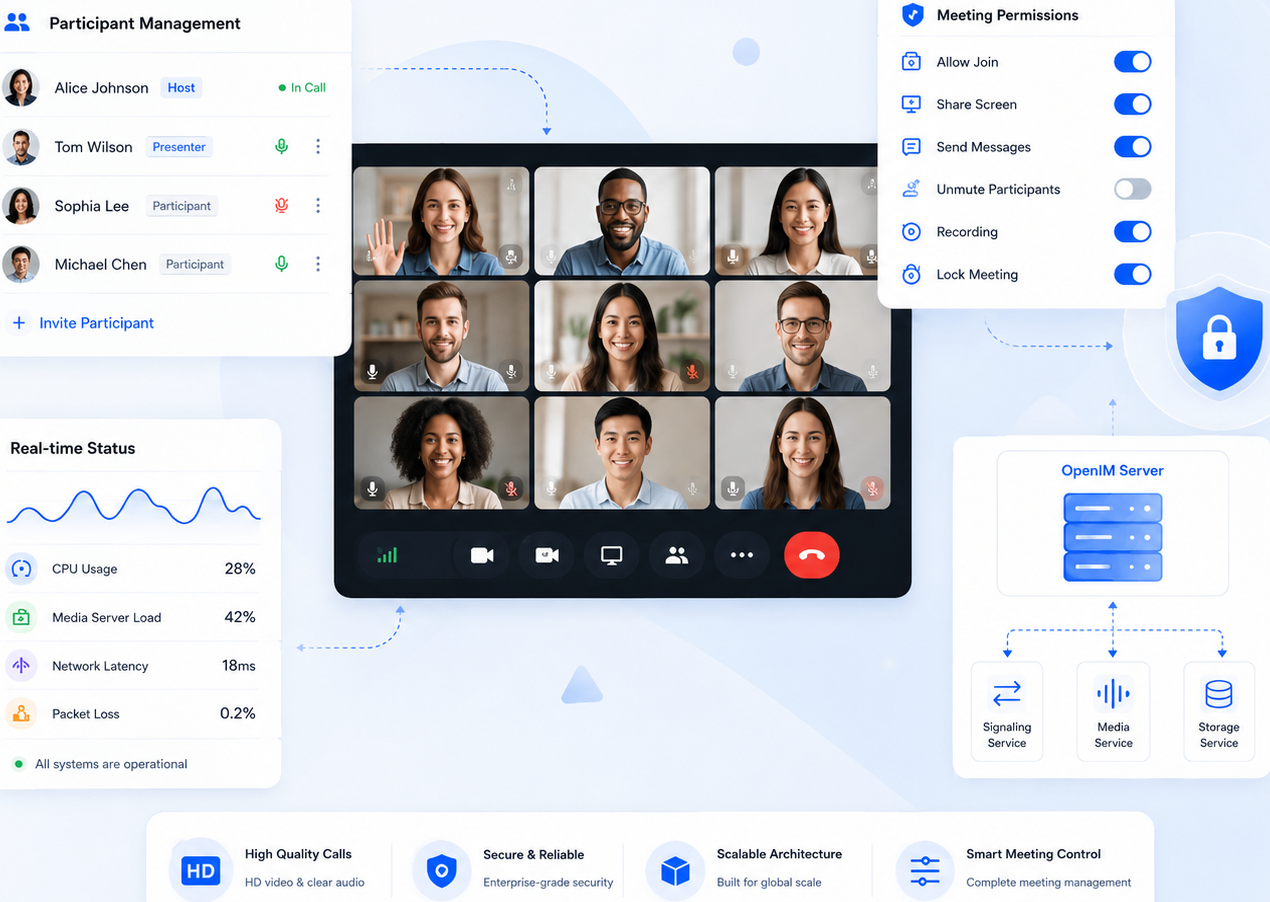
Host controlsParticipant controlsCall historyCall recordingMeeting status managementBackend integration
OpenIM interface for calls, meeting permissions, real-time status, and server controls

Deployment & recording

Voice and video for production

Support clustered deployment for calls and video meetings, with call and meeting recording.

Cluster deploymentCall recordingMeeting recordingView and share recordingsMeeting status managementBackend integration

Other products

Need Chat & Messaging?

Add 1:1 chat, groups, large-scale groups, message sync, and conversations alongside Voice & Video.

Explore Chat & Messaging
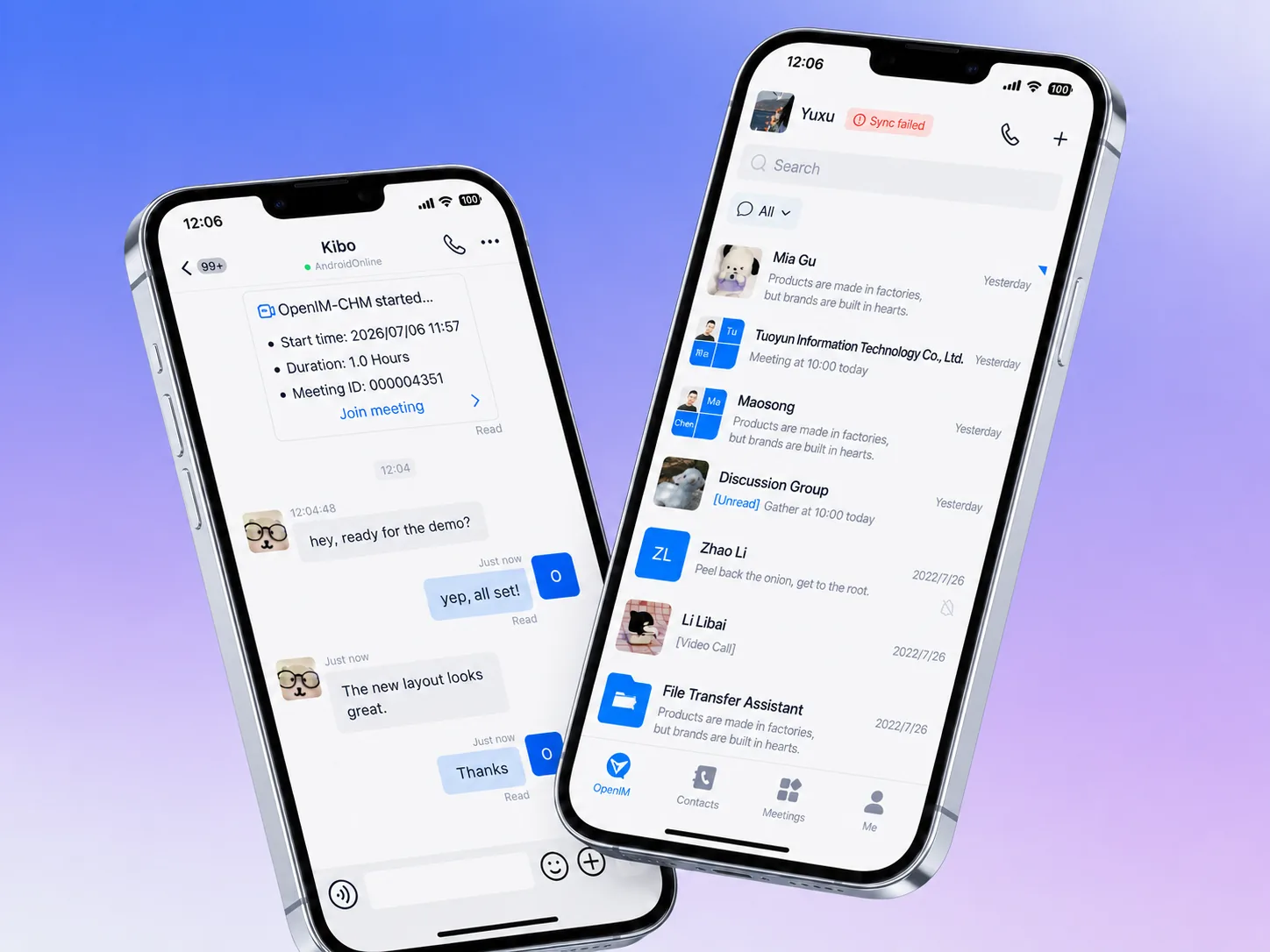
OpenIM Chat & Messaging mobile chat and conversation list interface

Start building

Ready to build voice and video?

FAQ

FAQ

Does OpenIM support 1:1 and group voice & video?

Yes. You can add voice calls, video calls, group voice & video, and video meetings to your app. Contact OpenIM to confirm the right integration plan.

What controls do video meetings support?

Meetings support creating, scheduling, and joining, plus host controls, mute all, participant media permissions, and invitation controls.

Does OpenIM support screen sharing and meeting recording?

Yes. Screen sharing and meeting recording are supported. Recording, storage, and sharing flows can connect to your backend in production.

How do Voice & Video work with Chat & Messaging?

Users can start voice or video calls from chat, launch meetings from groups, and keep invitations and call history inside conversations.

How do I get group voice & video and meetings?

Group voice & video and video meetings depend on your product scenario. Contact us to discuss editions, trials, and licensing.