Chat & Messaging

Build chat into your app

Use OpenIM to add 1:1 chat, groups, large-scale groups, and rich messaging to your app.

Use multi-platform SDKs, Server APIs, webhooks, and self-hosted deployment.

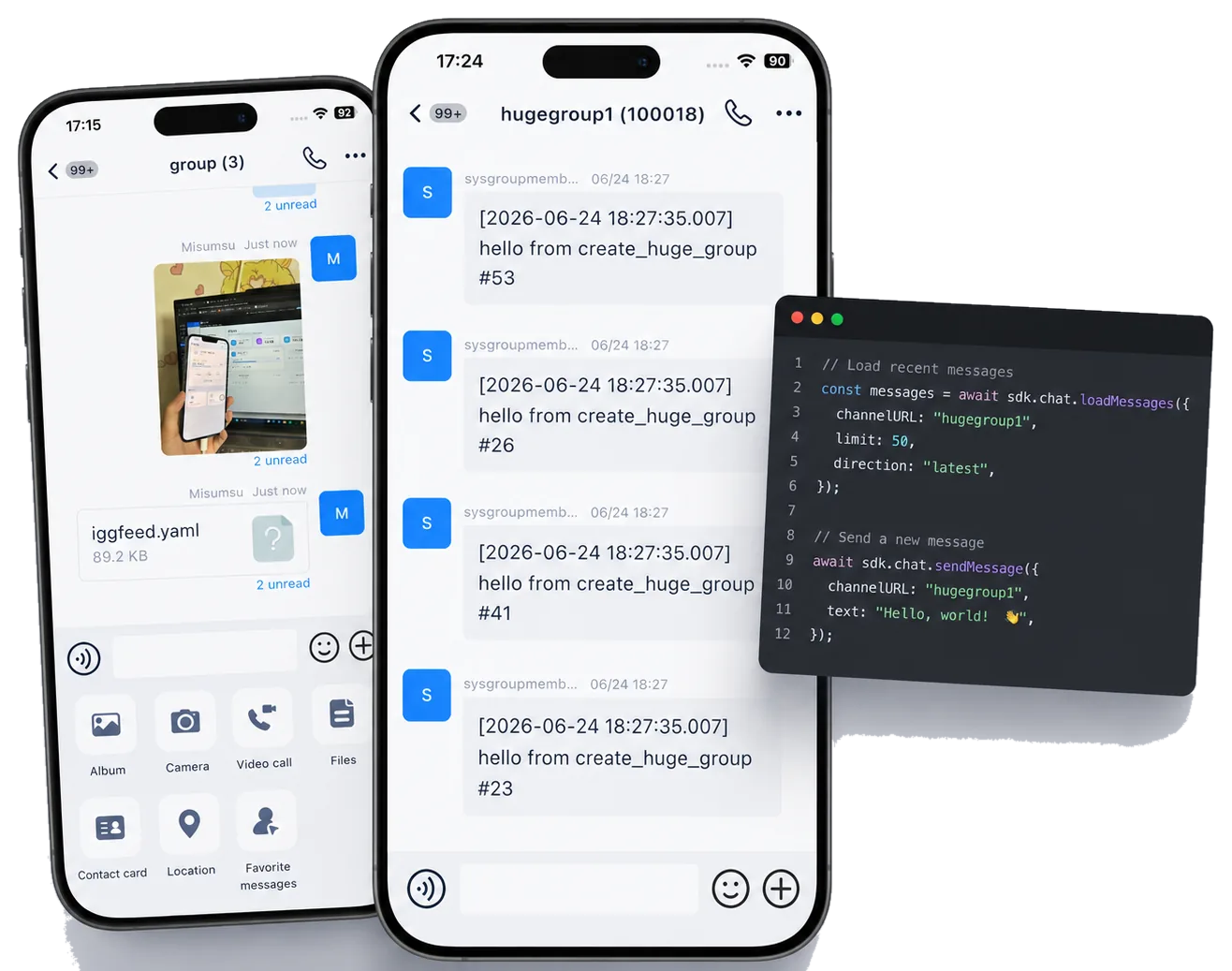
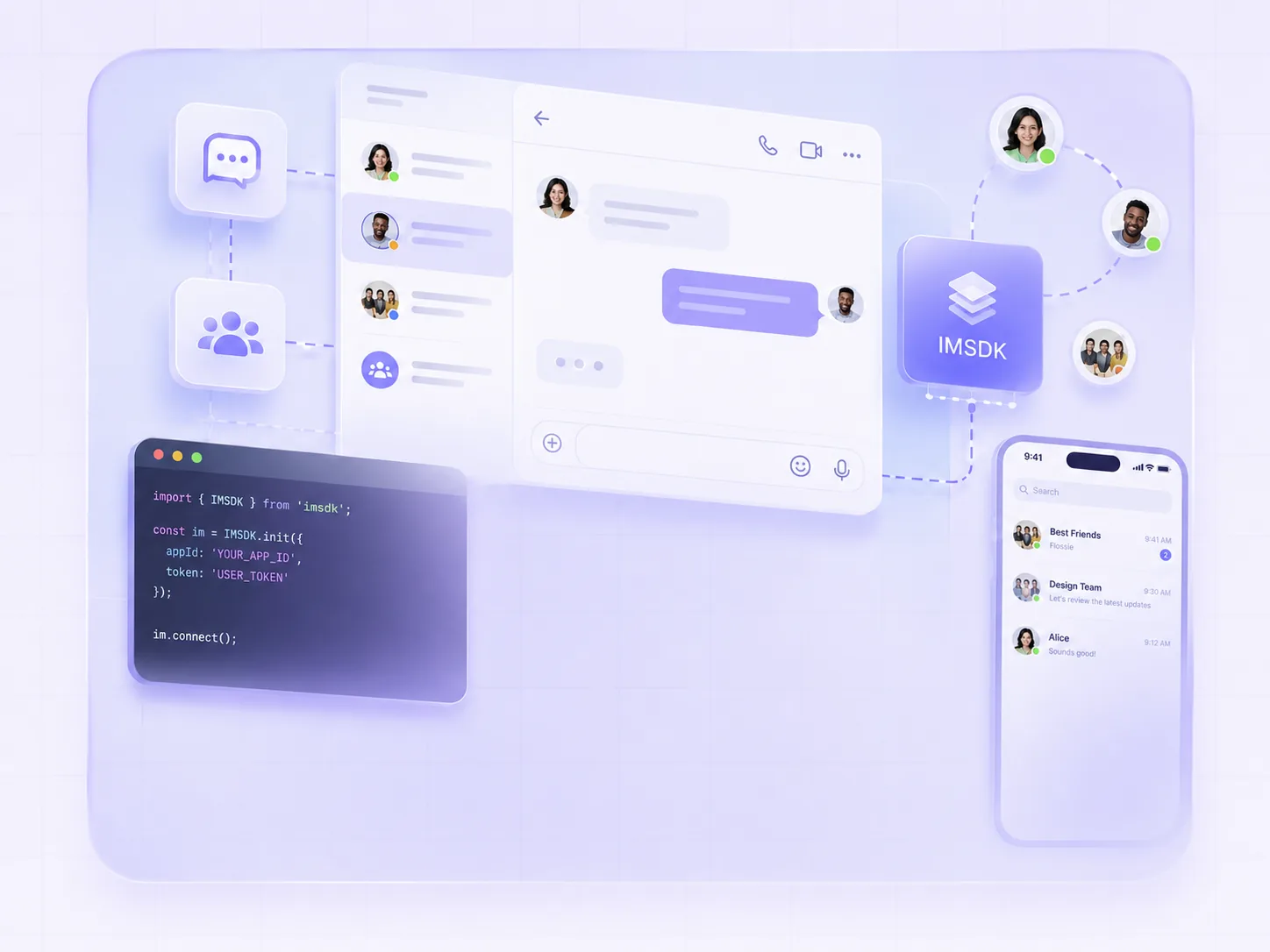
OpenIM mobile chat, large-scale group messages, and code integration interface

Chat features

Build modern in-app chat

Cover the core interactions users expect, from replies and read status to offline sync.

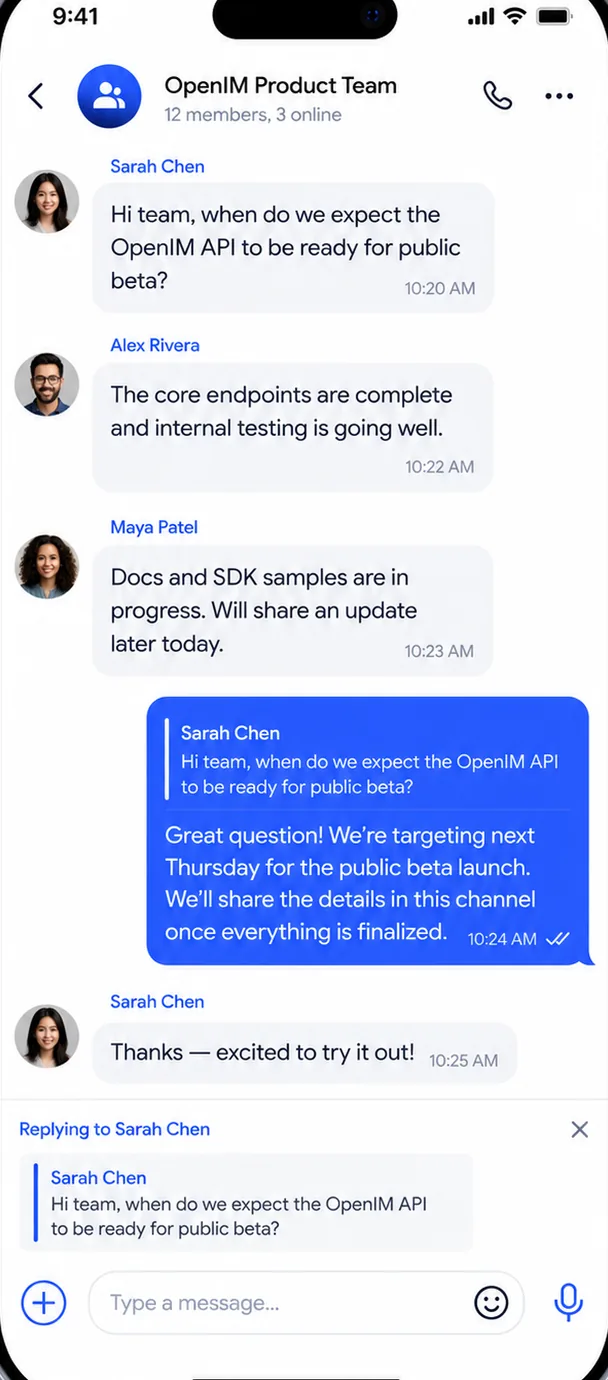
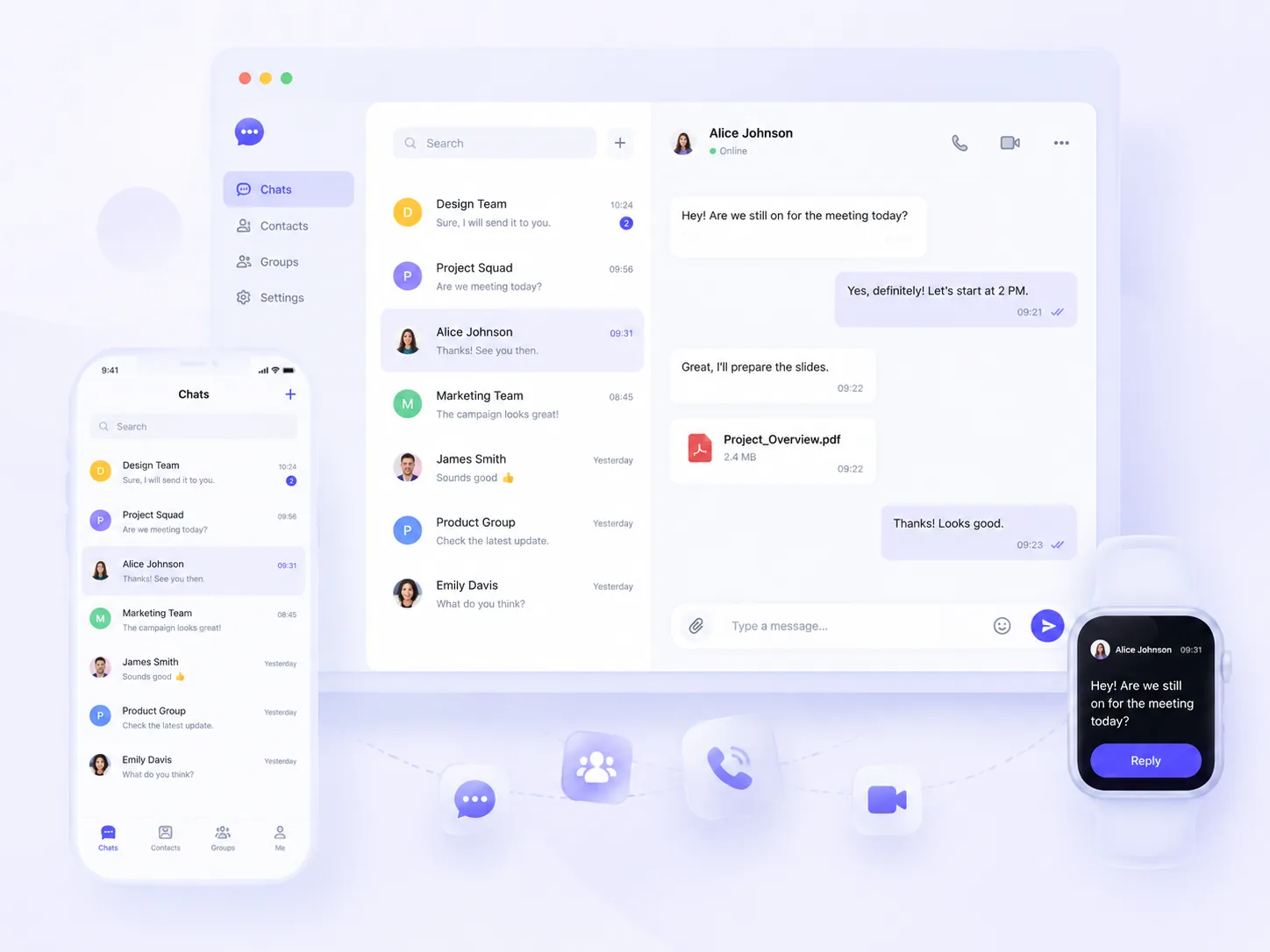
OpenIM mobile quoted reply interface

Chat feature matrix

Core features for in-app chat

Covers messages, conversations, Friends & Contacts, groups, Server APIs, and webhooks.

Messages & sync

  • Text messages
  • Image messages
  • Voice messages
  • Video messages
  • File messages
  • Location messages
  • Contact cards
  • Custom messages
  • System notifications
  • Offline messages
  • Message history
  • Multi-device sync
  • In-conversation search
  • Global message search
  • Message recall
  • Message forwarding
  • Quoted replies
  • Typing indicators
  • @ mentions

Conversations

  • Conversation list
  • Unread status
  • Pinned conversations
  • Mute notifications
  • Conversation drafts
  • Conversation read status
  • Local conversation search
  • High-priority alerts
  • Message history sync

Friends & Contacts

  • Search friends
  • Friend requests
  • Accept / reject friends
  • Remove friends
  • Friend notes
  • Friends list
  • Friend request permissions
  • Friend data sync
  • Blocklist
  • Presence subscriptions

Groups

  • Create groups
  • Leave groups
  • Dissolve groups
  • Request to join
  • Invite members
  • Remove members
  • Transfer ownership
  • Set group admins
  • Group announcements
  • Real-time group profile sync
  • Search groups
  • Search group members
  • Search group chat history
  • Member permissions
  • Join verification
  • Mute all
  • Mute members
  • New-member history access
  • Groups with up to 100K members

Server APIs & webhooks

  • Authentication management
  • User management
  • Friend management
  • Group management
  • Conversation management
  • Message management
  • Group webhooks
  • Message webhooks
  • Push webhooks
  • Friend webhooks
  • User webhooks

Advanced messaging

More control for advanced messaging

Add message status, search context, translation, and conversation management on top of core chat.

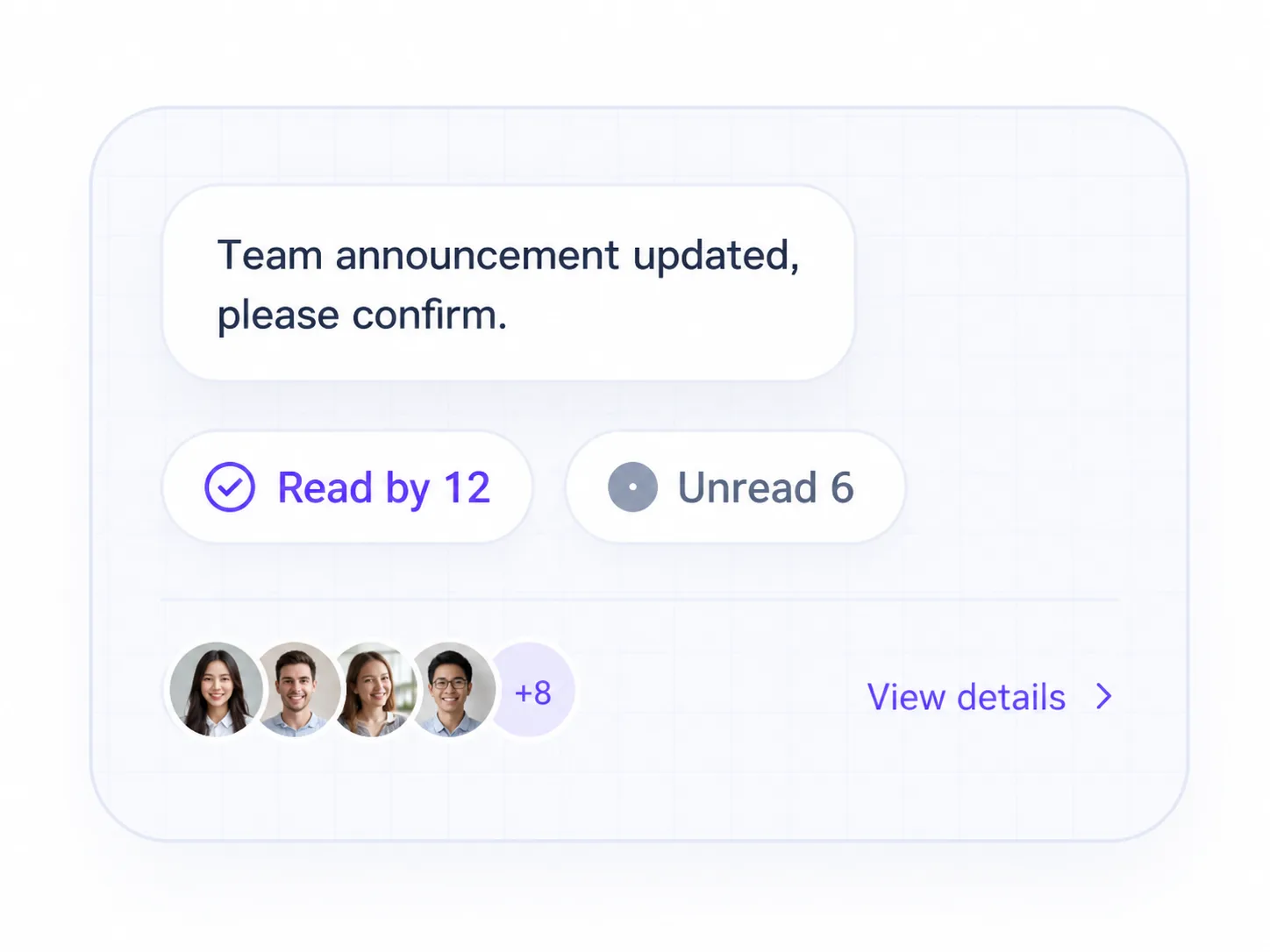
Group message read and unread member status interface

See which group members have read a message.

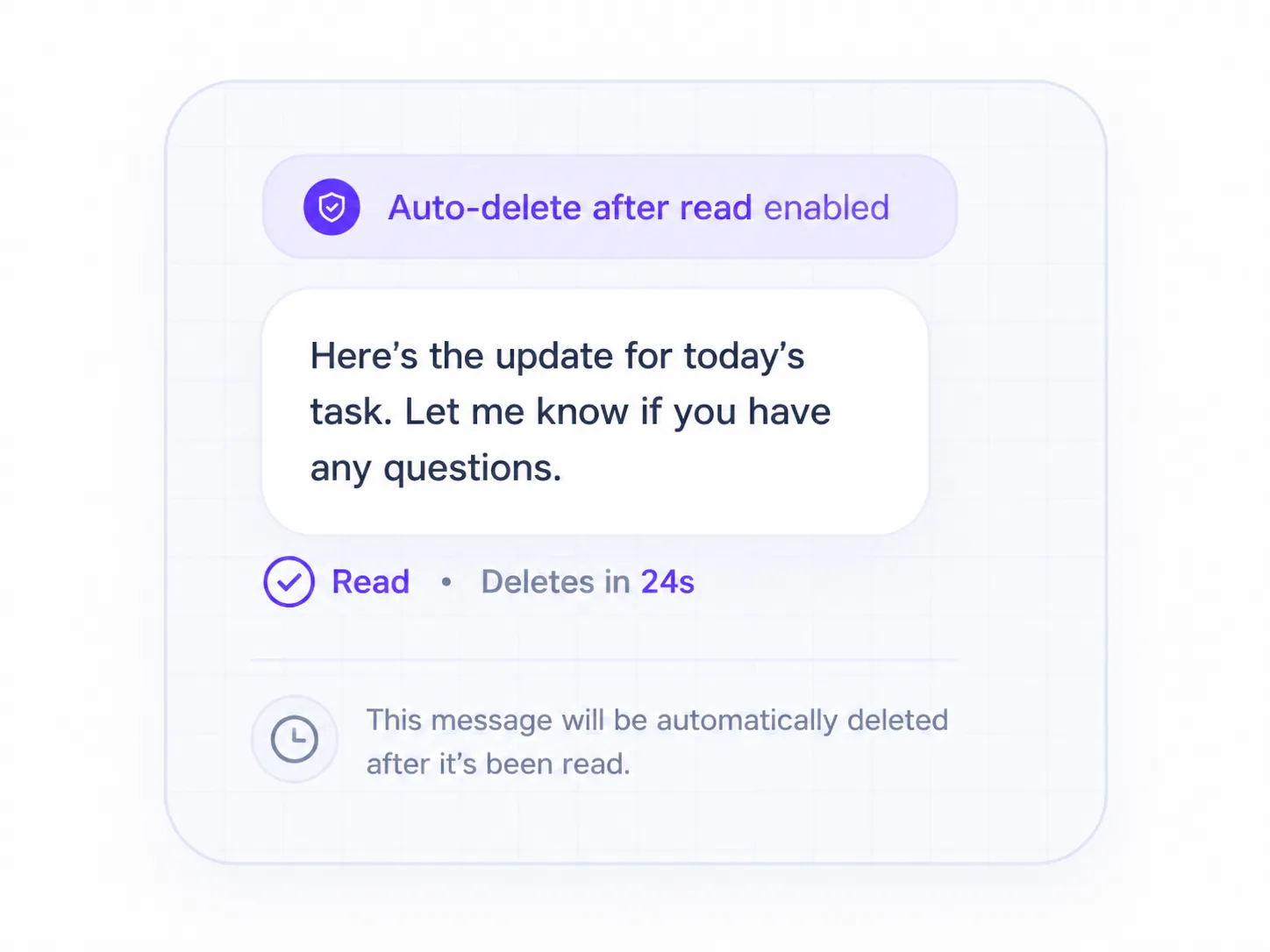
Disappearing message status interface

Automatically clear messages after they are read.

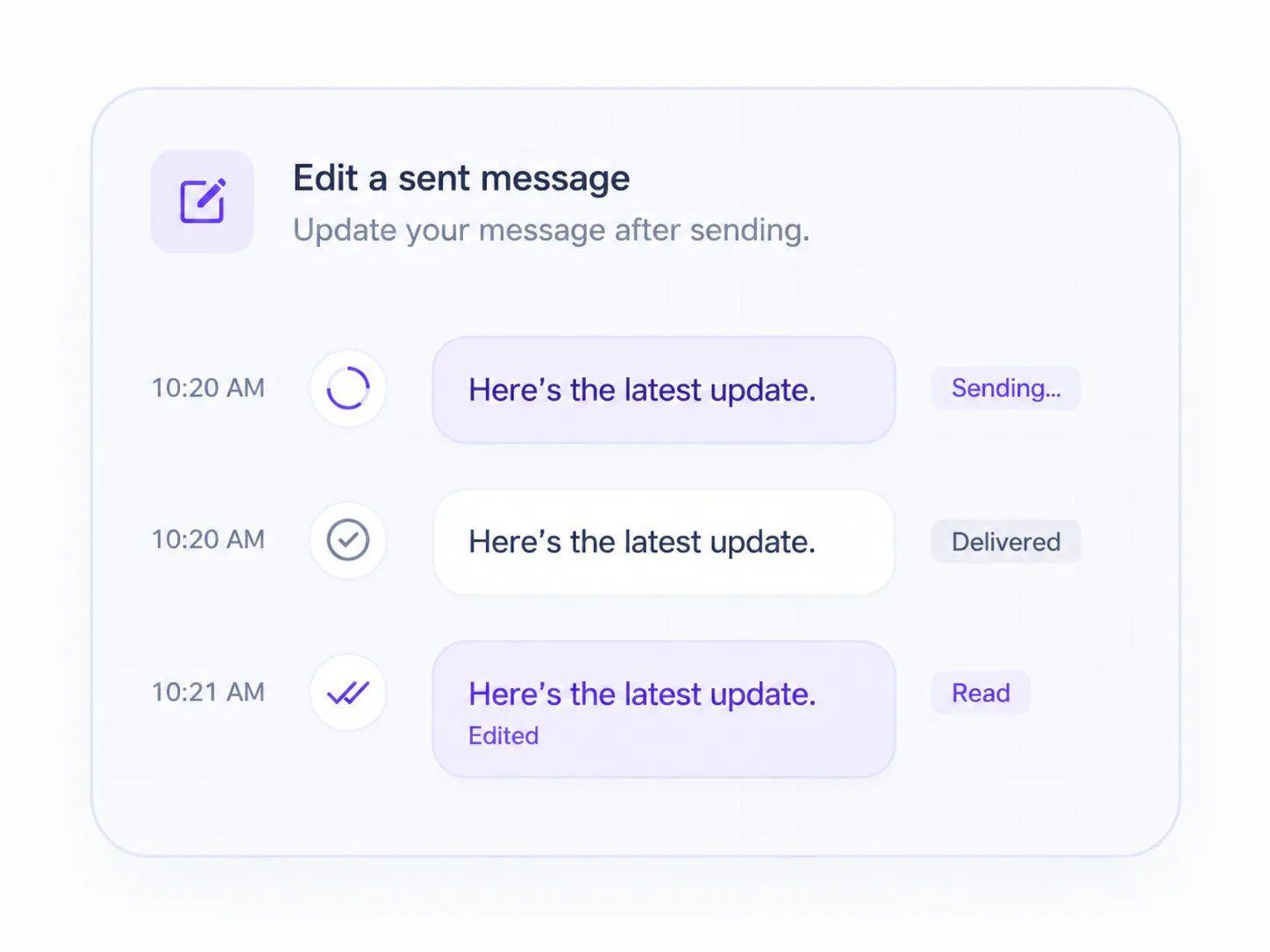
OpenIM edit sent messages with sending, delivered, and read status

Edit sent messages and show sending, delivered, and read states.

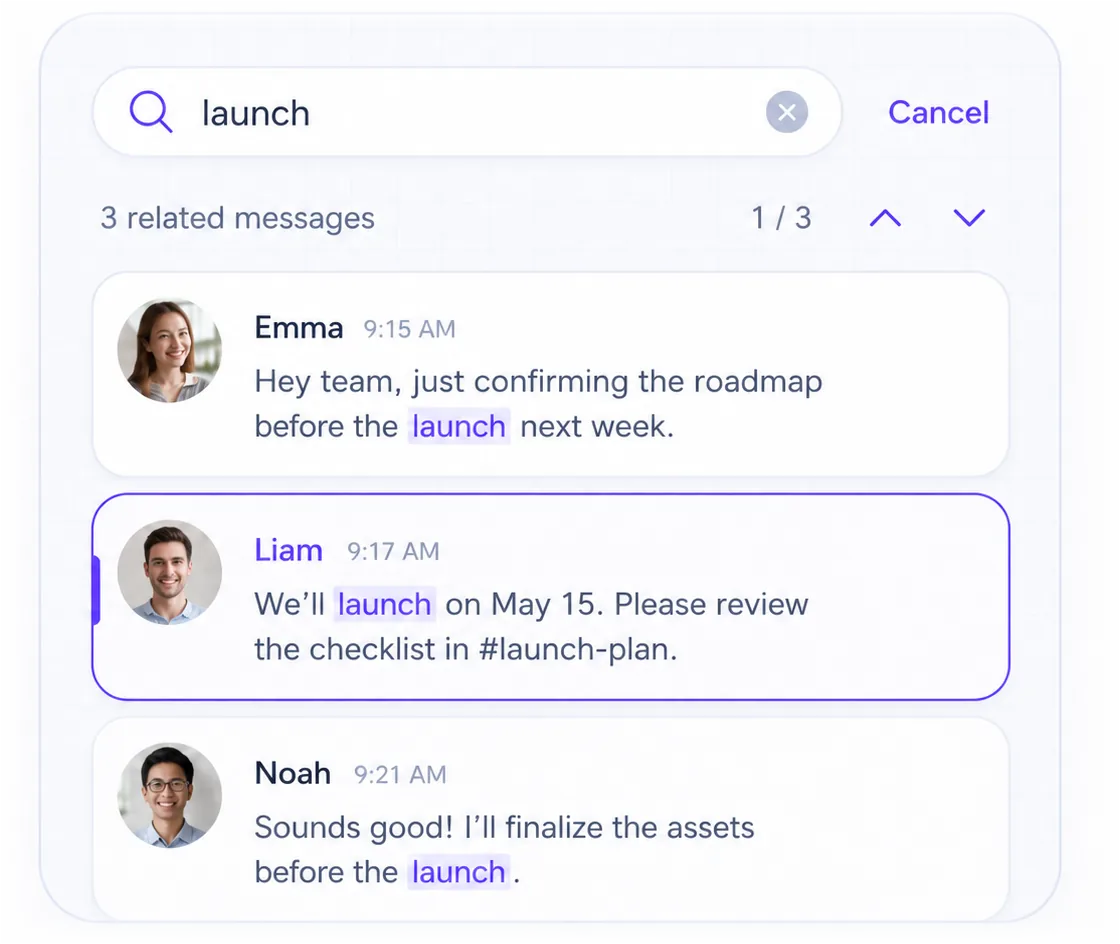
OpenIM search messages and view surrounding conversation context

View surrounding conversation context when searching messages.

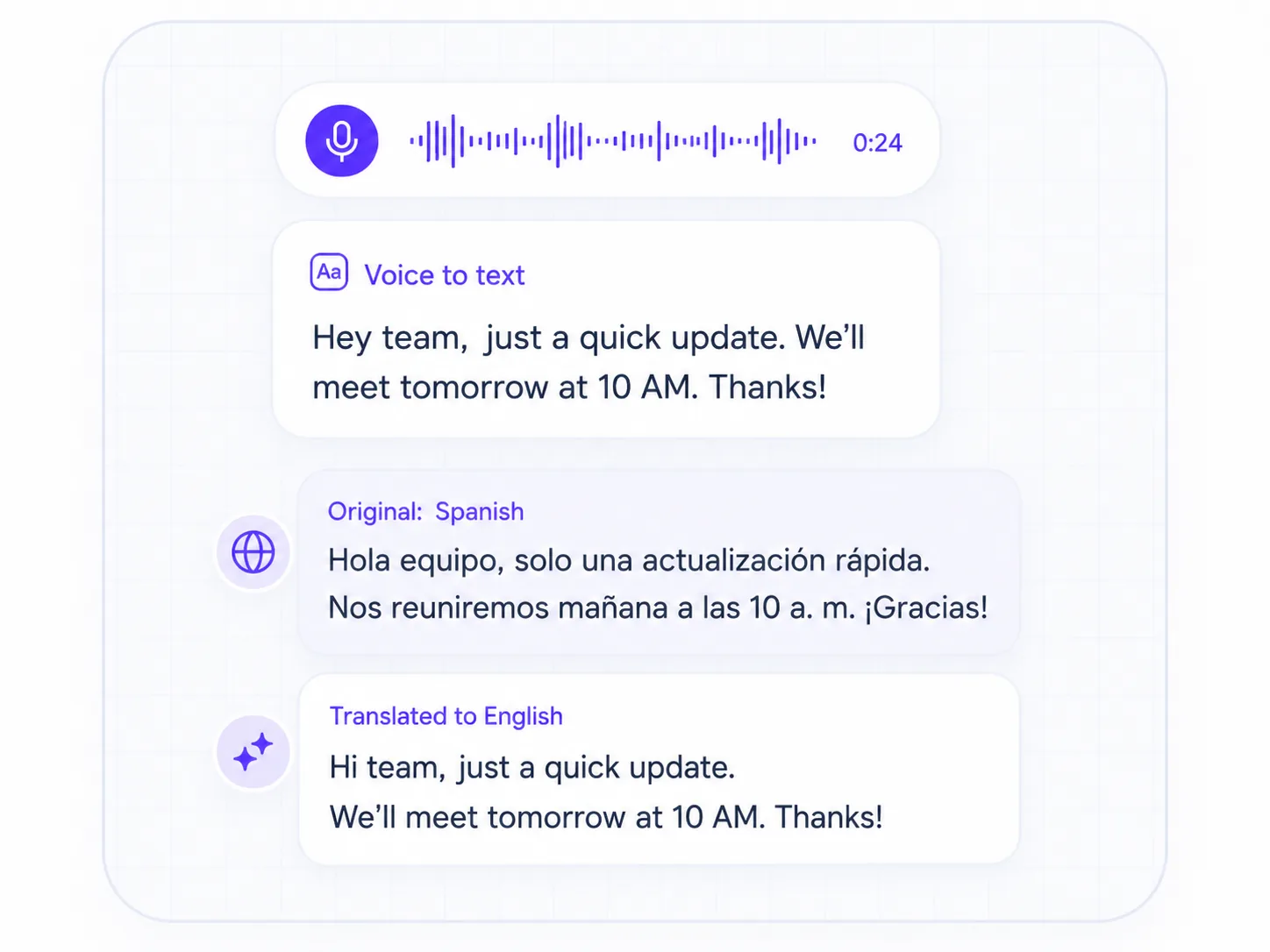
OpenIM speech-to-text and message translation interface

Use speech-to-text and translation to understand messages.

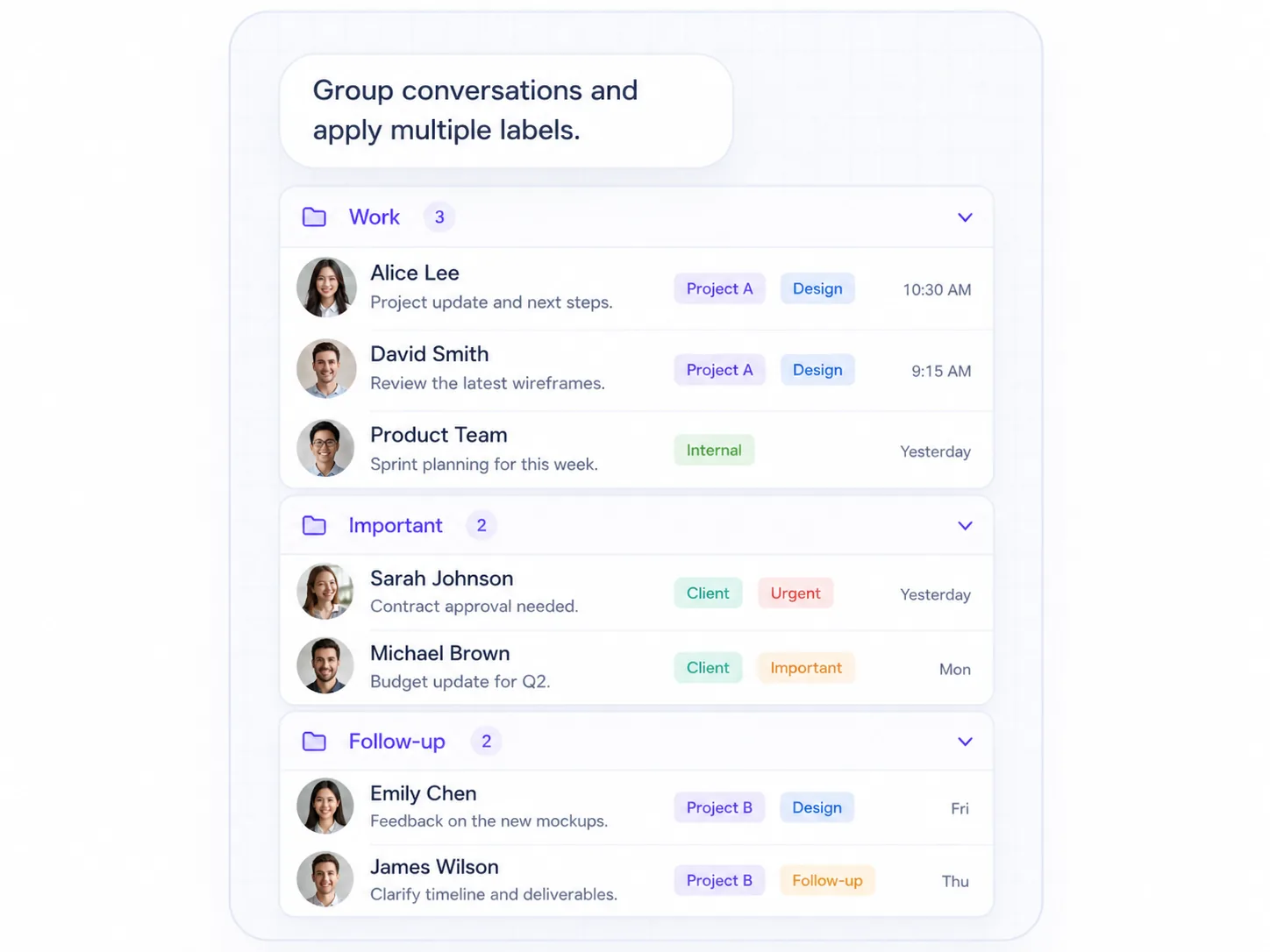
Interface for managing many conversations with labels and groups

Organize many conversations with labels and groups.

Developer integration

Chat APIs, SDKs, and webhooks

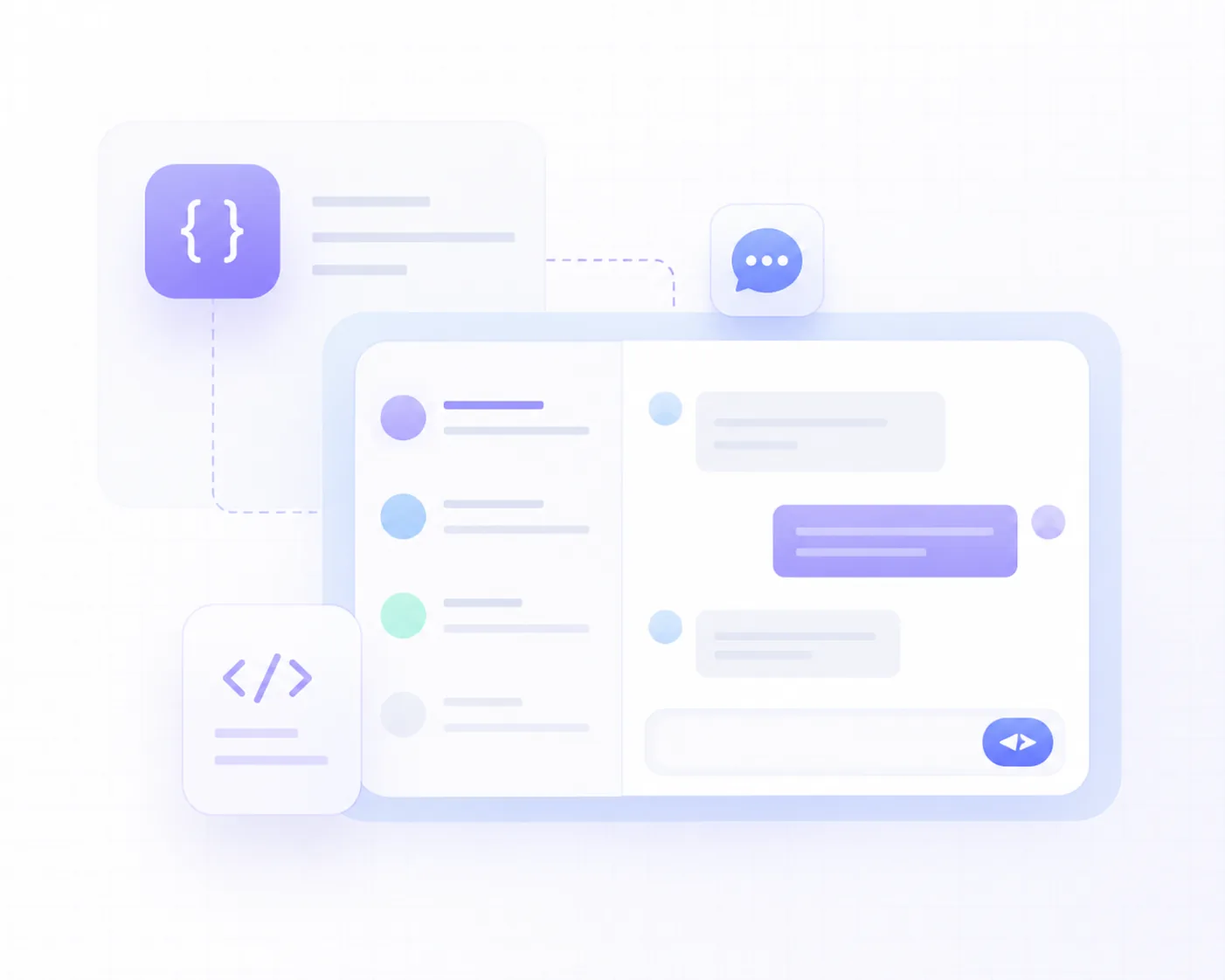
Use SDKs, Server APIs, and webhooks to connect messages, conversations, groups, and users to your app and backend.

Client SDKBuild messages, conversations, groups, and friends into the client.
Server APIManage users, groups, and messages from your backend.
WebhookListen for OpenIM message and product event callbacks.
01import { getSDK } from '@openim/wasm-client-sdk';
02
03const OpenIM = getSDK();
04const { data: message } =
05  await OpenIM.createTextMessage('Hello OpenIM!');
06
07await OpenIM.sendMessage({
08  recvID: 'targetUserID',
09  groupID: '',
10  message,
11});

Choose a path

From SDKs to chat clients

Choose the build path that fits your product stage.

Add IMSDK to your app

Add messages, conversations, groups, and friends to your custom chat UI.

Validate with an open-source demo

Use sample clients to learn IMSDK integration, conversations, and messaging flows.

Ship production-ready clients

Use production-ready client apps to move faster toward launch.

Reliability & scale

Built for reliable messaging at scale

Support offline messages, history sync, multi-device sync, reconnects, and cluster deployment for large group scenarios.

Message continuityOffline messagesMessage history syncMulti-device syncAuto reconnect
Server coordinationOn-demand message fetchMessage callbacksServer Webhook
Scale & deploymentCluster deploymentObject storageGroups with up to 100K members
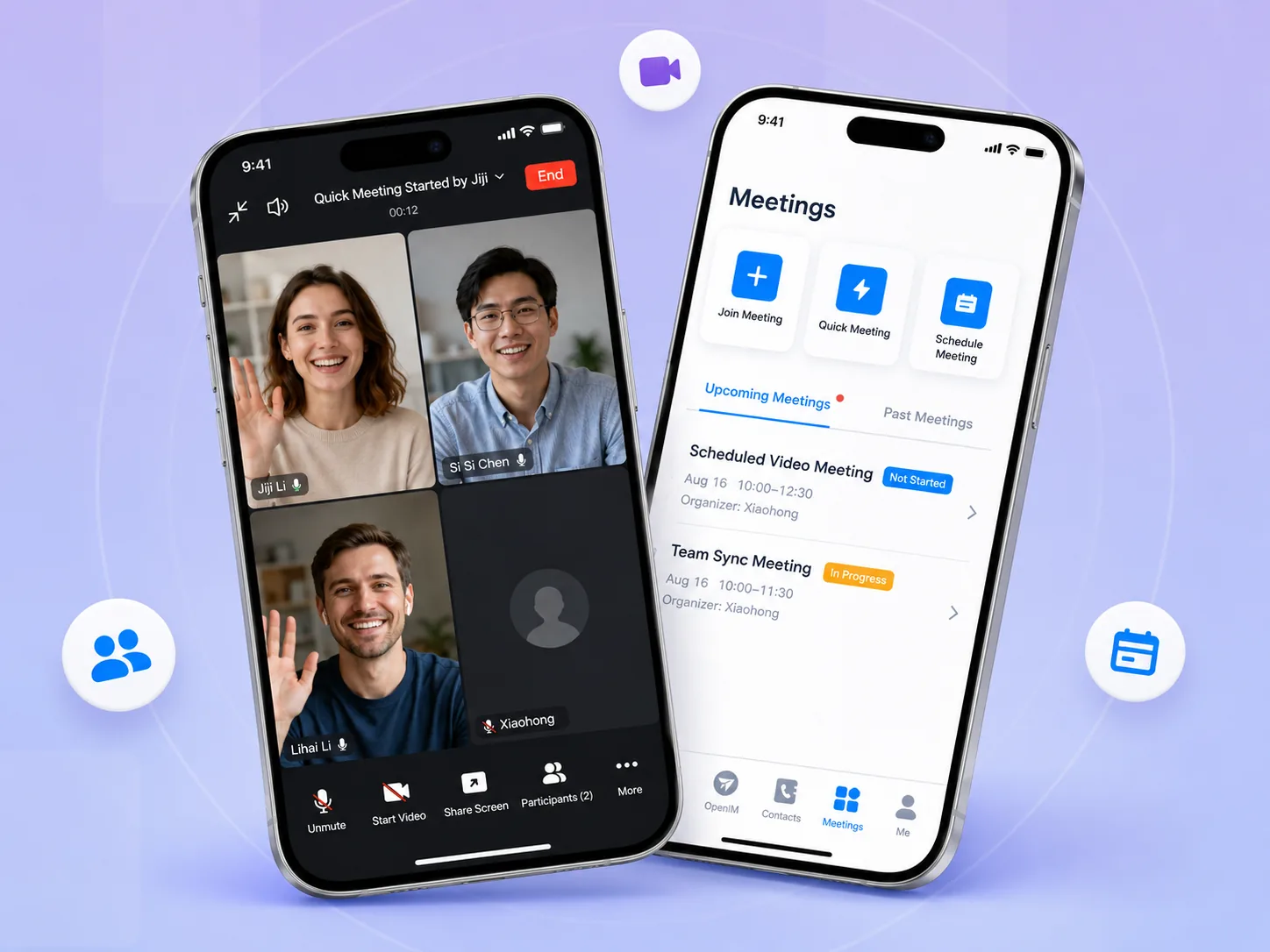
OpenIM mobile voice and video meeting interface

Other products

Need voice and video?

Add voice calls, video calls, group voice & video, and video meetings on top of chat.

Explore Voice & Video

Start building

Ready to build in-app chat?

Use OpenIM to add messages, conversations, groups, and chat to your app.

FAQ

FAQ

Does IMSDK include chat UI?

IMSDK mainly provides messaging, conversations, groups, and friends. It does not include a full chat UI; start with the open-source demo or explore production-ready client apps.

What message types does OpenIM support?

OpenIM supports text, images, voice, video, files, locations, contact cards, custom messages, and system notifications.

How does OpenIM sync offline and historical messages?

OpenIM supports offline messages, message history sync, and multi-device sync so users can continue conversations after returning or switching devices.

Does OpenIM support large-scale groups?

Yes. OpenIM supports groups with up to 100K members, with member permissions, muting, group profile sync, and group chat history search.

How do Server APIs and webhooks connect to my backend?

Your backend can manage users, friends, groups, conversations, and messages with Server APIs, then listen for message, push, friend, and user events through webhooks.