
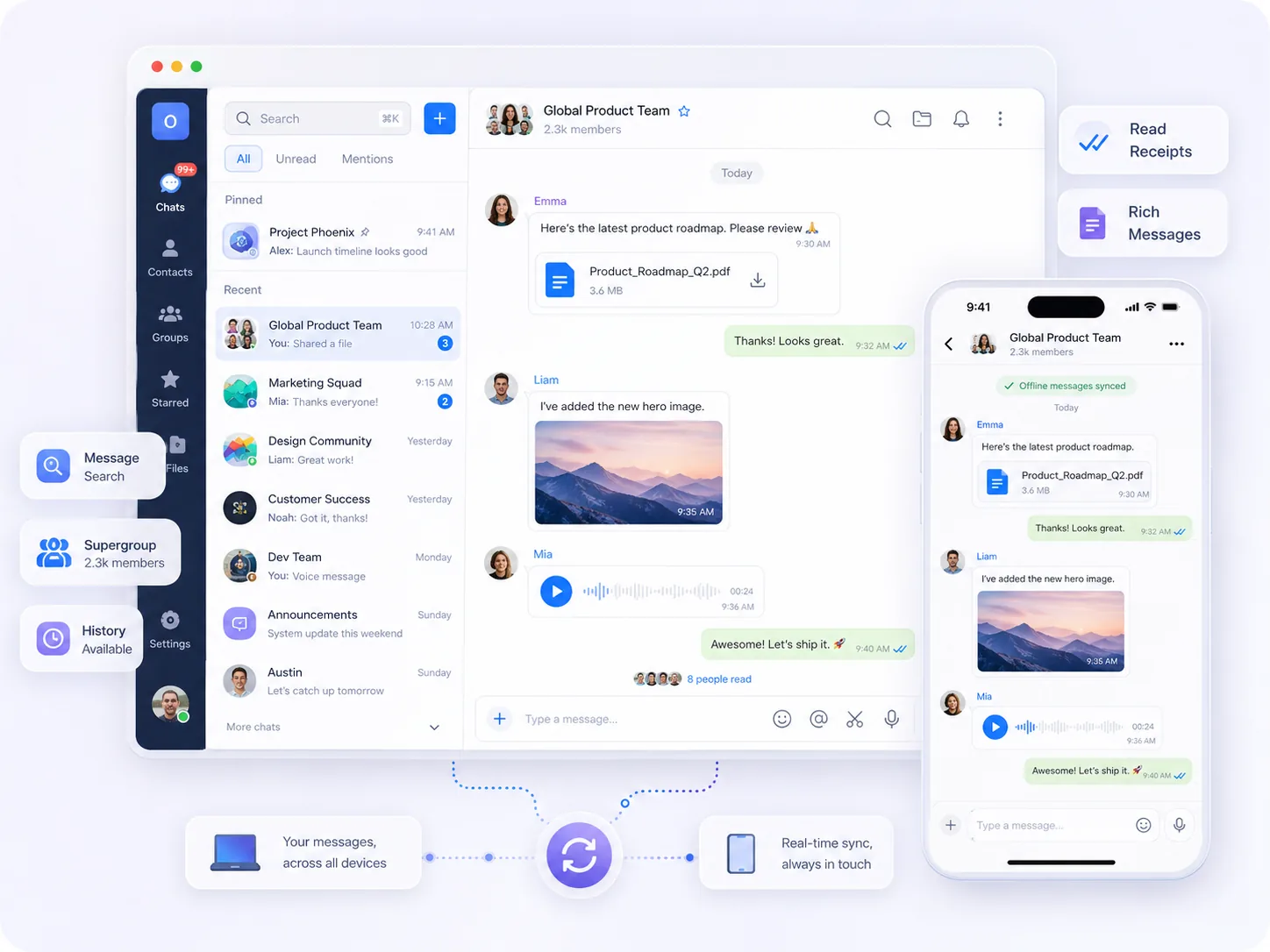
Chat & Messaging
Support 1:1 chat, groups, large-scale groups, history, offline messages, sync, receipts, search, and rich message types.
Explore Chat & MessagingOpenIM Platform
Build in-app chat, messaging, voice calls, and video meetings with OpenIM. Use self-hosted deployment, multi-platform SDKs, Server APIs, and enterprise options when your product needs more control.
Platform
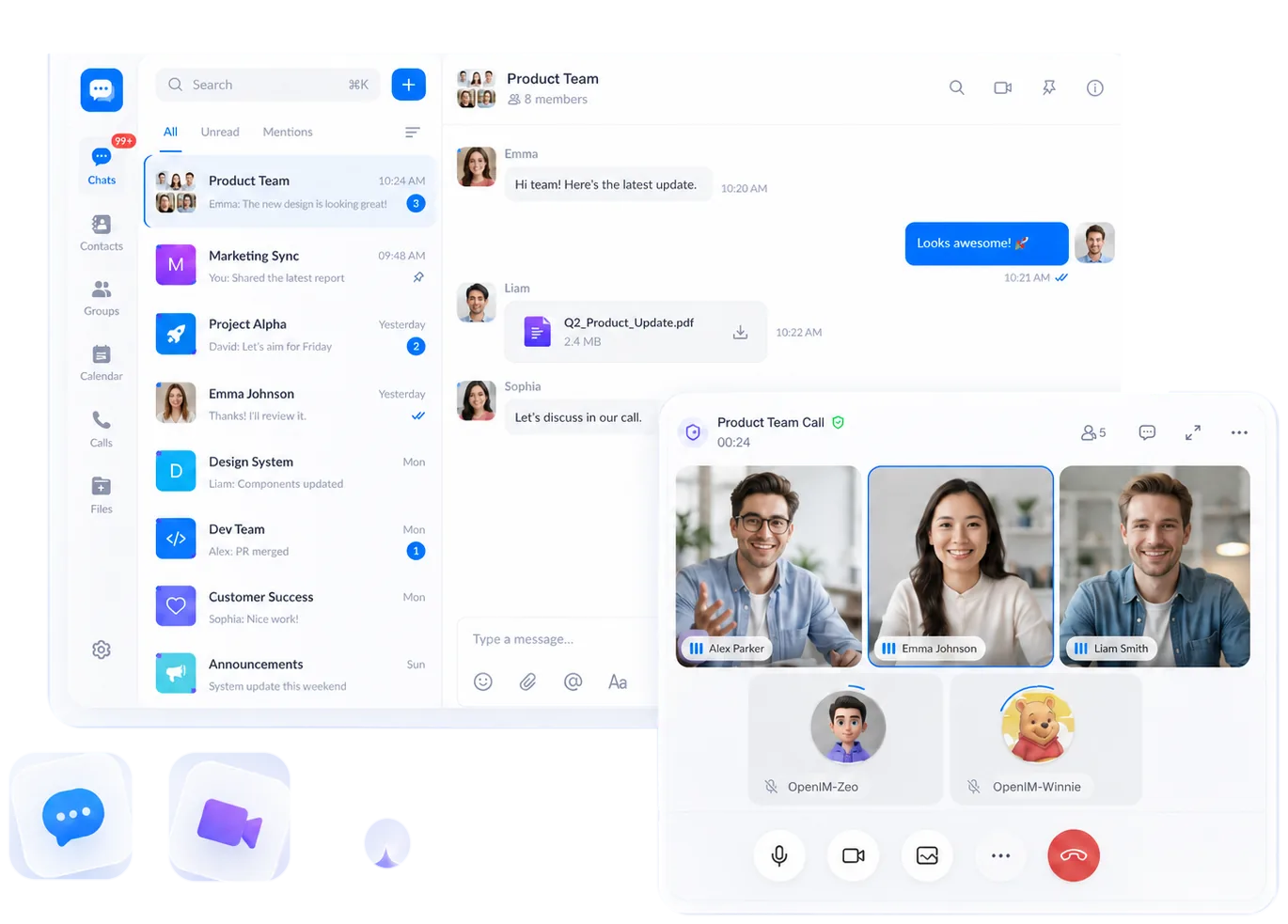
OpenIM brings Chat & Messaging and Voice & Video into apps, websites, and existing systems.
Support 1:1 chat, groups, large-scale groups, history, offline messages, sync, receipts, search, and rich message types.
Explore Chat & Messaging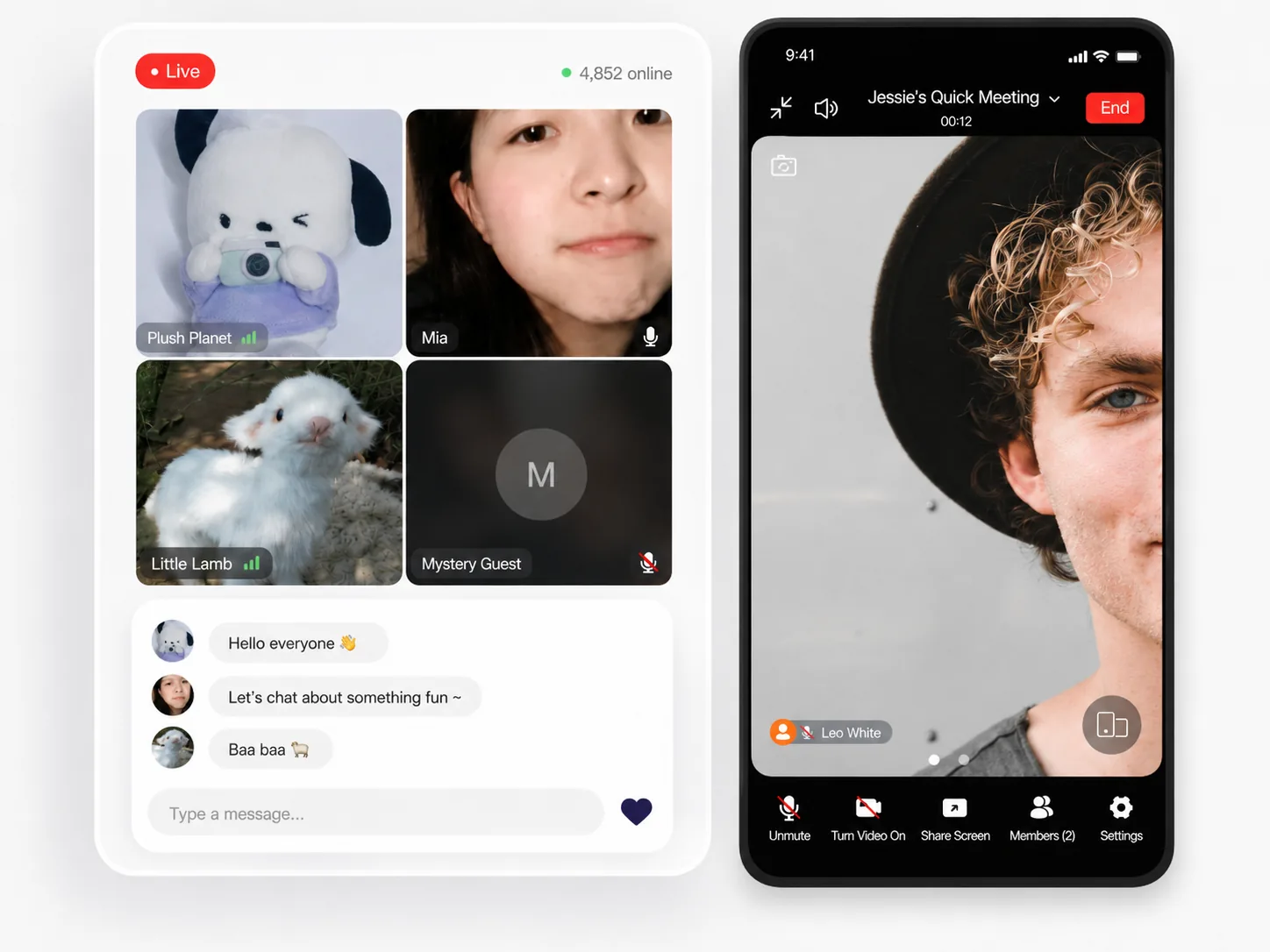
Add voice calls, video calls, group voice & video, meetings, screen sharing, controls, and call history.
Explore Voice & VideoPlatform features
Build and extend OpenIM from open source.
Run OpenIM in your own infrastructure.
Integrate with multi-platform SDKs, Server APIs, and webhooks.
Product architecture
Client SDKs connect to OpenIM Server, then to your backend and infrastructure.

Developers
Use docs, SDKs, and tutorials to integrate, deploy, and validate OpenIM faster.
Start with OpenIM to add chat, voice, and video meetings to your app.
FAQ
OpenIM is open source communication infrastructure for building chat, messaging, voice, and video into applications.
OpenIM is not a single chat app. It provides SDKs, Server APIs, webhooks, and server-side components for developers.
The current site covers Chat & Messaging and Voice & Video.
Yes. You can deploy OpenIM Server in your own infrastructure and connect it to your backend.
Start with the docs, SDKs, or tutorials. For enterprise editions, trials, and licensing, request a trial.